Key Takeaways
- Balance the “Three Forces”: Successful GKE management requires balancing reliability, cost efficiency, and development velocity.
- Data-Driven Rightsizing: Base CPU and memory requests on at least 7–14 days of production data to ensure stability.
- Strategic Autoscaling: Use HPA for traffic-based scaling and VPA for resource-sizing, but avoid using the same metrics for both to prevent loops.
- Leverage Spot VMs: Significantly reduce costs by running fault-tolerant batch and development workloads on GKE Spot instances.
- Automate for Scale: Manual YAML management is unsustainable; use automated platforms like ScaleOps to continuously align resources with actual demand.
GKE Workload Optimization: 9 Best Practices for Performance and Cost
Google Kubernetes Engine (GKE) enables users to easily create clusters, deploy applications quickly, and scale them rapidly.
The main challenge occurs after the first successful launch: Teams are constantly pulled between three competing forces: reliability (consistent performance and SLOs), efficiency (keeping cloud spend under control), and velocity (shipping changes quickly and safely).
Symptoms like noisy neighbors, CPU throttling at peak times, and low actual utilization of allocated resources are just manifestations of these underlying tensions.
This blog post first discusses GKE workload-optimization basics and then provides 9 practical methods to boost performance. We also demonstrate how ScaleOps implements automated workload optimization to eliminate manual YAML administration and autoscaler monitoring.
What Is GKE Workload Optimization?
GKE workload optimization is the ongoing discipline of balancing performance and reliability against the costs of your Kubernetes workloads.
The process requires allocating sufficient CPU and memory resources to achieve SLO targets while protecting against performance issues caused by noisy neighbors and unexpected throttling.
Common GKE Workload Types and Their Optimization Goals
As seen in the table below, most GKE environments fall into three broad workload categories, each with different optimization goals: serving/online, batch/compute-to-completion, and mixed/large-scale clusters.
| Workload Type | Examples | Main Goals | Key Characteristics |
| Serving/Online | APIs, web frontends, mobile backends, ingestion services | Achieve low latency, high availability, stable spike handling | User-facing on the critical path; very sensitive to throttling, noisy neighbors, and cold starts |
| Batch/Compute-to-Completion | ETL/ELT pipelines, ML training, offline inference, nightly reports | Finish jobs on time, maximize throughput, minimize cost | Fault-tolerant and retryable; great fit for spot/preemptible nodes and aggressive bin packing |
| Mixed/Large-Scale Clusters | Mix of serving, batch, cron jobs, and experiments in shared big clusters | Balance performance and efficiency across all workloads | Prone to contention and hot/cold nodes without strong policies and automation to isolate workloads |
With these workload patterns in mind, you can now apply the following best practices to optimize your GKE clusters.
9 Best Practices for GKE Workload Optimization
The following recommendations will help you tune your GKE workloads for strong performance, reliability, and cost efficiency in day-to-day operations.
1. Rightsize Pod Resource Requests and Limits
The primary factor that affects both performance and cost expenses is CPU and memory resource optimization. All other optimizations, including horizontal and vertical autoscaling, bin packing, and spot usage, will produce incorrect results if your CPU and memory requests are out of line with actual usage:
- Collect CPU and memory usage data during production operations or simulated load testing for at least one full business cycle (typically 7-14 days) to capture weekly peaks and seasonality.
- Ensure requests cover the majority of usage (typically P90-P95) to guarantee stability, while limits should be set to protect against rare spikes.
- Use separate sizing profiles to handle latency-dependent services and background processing tasks.
An automated rightsizing tool like ScaleOps simplifies these tasks by continuously updating requests and limits, eliminating the need for human maintenance.
2. Use the Right Autoscaling Mechanisms
Horizontal and vertical autoscaling maintain cluster performance by adjusting traffic. However, improper autoscaler settings lead to performance issues and delayed responses to traffic changes:
- Leverage Horizontal Pod Autoscaler (HPA) to monitor replica counts based on CPU and memory consumption; set up custom performance metrics that show actual system activity.
- Use Vertical Pod Autoscaler (VPA) to determine pod size requirements through request and limit settings, which operate in recommendation mode under GitOps control.
- Configure Cluster Autoscaler and Karpenter to scale node pools based on your workload requirements, including general-purpose, spot, and GPU nodes.
- Prevent HPA and VPA from using the same metric to control the same workload, as this creates negative feedback loops.
ScaleOps goes even further by coordinating rightsizing and replica optimization. It understands when to scale out (add replicas) versus scale up (adjust pod size) based on real-time context, eliminating the feedback loops that often plague native tools.
3. Choose the Right Node Types and Spot Strategy
Your expenses depend on the node types you choose and whether you select on-demand or spot. These factors determine both your costs and your ability to optimize node utilization:
- Organize workloads by CPU requirements, memory usage, and application requirements to create node pools.
- Use smaller nodes to achieve better bin packing and minimize the impact of failures.
- Run development work and batch processing tasks on GKE Spot VMs (formerly called preemptible VMs)
- Implement taints and tolerations to determine which workloads should run on spot or on-demand node pools.
4. Optimize Workload Placement and Scheduling
The scheduling of workloads into nodes becomes challenging when there are noisy neighbors, single points of failure, and uneven resource distribution:
- Isolate heavy or special workloads that require custom hardware, such as GPUs or faster storage.
- Use pod anti-affinity and topologySpreadConstraints to deploy replicas across multiple nodes and zones.
- Review node utilization regularly to identify constraints that lead to suboptimal bin packing.
5. Eliminate Idle and Overprovisioned Resources
The combination of inactive clusters, excessive node pool sizes, and abandoned workloads consumes budget resources without generating any useful output:
- Operate non-critical environments, including dev and stage, at reduced capacity or completely shut them down during non-work hours.
- Perform regular checks to detect unused node pools that can be merged into smaller units.
- Detect and eliminate all zombie workloads, including inactive CronJobs and unused deployments.
- Eliminate all resources (persistent disks, IPs, load balancers) that were created for orphaned services.
6. Use Specialized Platforms for Batch Workloads (GKE Batch)
Large-scale batch workloads require dedicated queuing, priorities, and capacity management that should not interfere with serving workloads:
- Identify jobs that run for extended periods and require retries but do not affect system latency.
- Run these jobs on a dedicated batch cluster rather than using regular Kubernetes deployments.
- Use priority settings and queue management to guarantee the timely completion of essential batch operations.
- Operate batch processing through spot pools, but maintain on-demand capacity for critical high-priority jobs.
7. Organize Workload Governance
Effective governance distributes cluster resources evenly, preventing any single workload or team from monopolizing all resources while ensuring consistent capacity levels:
- Establish a namespace strategy that includes team-, environment-, or product-based namespaces, and maintain this approach consistently.
- Apply a ResourceQuota to each namespace to establish maximum usage limits for CPU, memory, and other resources.
- Use LimitRange to establish reasonable default values and maximum and minimum values for container requests and limits.
- Ensure all resources have standard ownership labels and cost allocation annotations.
8. Embed Cost Awareness and Showback
Teams cannot save money if they do not see or understand their expenses, as they can only optimize costs at the platform level:
- Ensure all workloads have team, service, and environment labels for proper cost distribution.
- Generate individual dashboards for each team to display CPU usage, memory consumption, and associated costs across recent weeks and months.
- Review dashboard reports on a scheduled basis to link cost data to service-level objective (SLO) and reliability performance assessments.
- Demonstrate how configuration modifications affect both operational expenses and system performance through specific examples of rightsizing and spot adoption.
9. Build a Culture of Optimization
The most significant gains come when optimization becomes part of how teams build and run their services, not just a one-time cost-cutting exercise:
- Add regular optimization reviews where teams inspect their usage, costs, and SLOs.
- Include optimization tasks (rightsizing, tuning HPA/VPA and cluster autoscalers, cleaning idle resources) in regular sprint planning.
- Maintain runbooks for high-traffic events that explicitly cover scaling strategies and responsibilities.
- Recognize and share success stories of teams that have improved reliability and reduced costs at the same time.
Over time, these practices shift an organization from reactive firefighting (“We’re over budget again.”) to a proactive, data-driven approach to performance and efficiency.
How ScaleOps Automates GKE Workload Optimization
You can implement the above recommendations manually using native GKE features. However, doing so mandates stitching together rightsizing, horizontal and vertical autoscaling, placement, spot usage, and cost monitoring by hand.
ScaleOps was built to relieve developers of this ongoing optimization burden by turning it into a continuous, automated process.
At its core, ScaleOps provides:
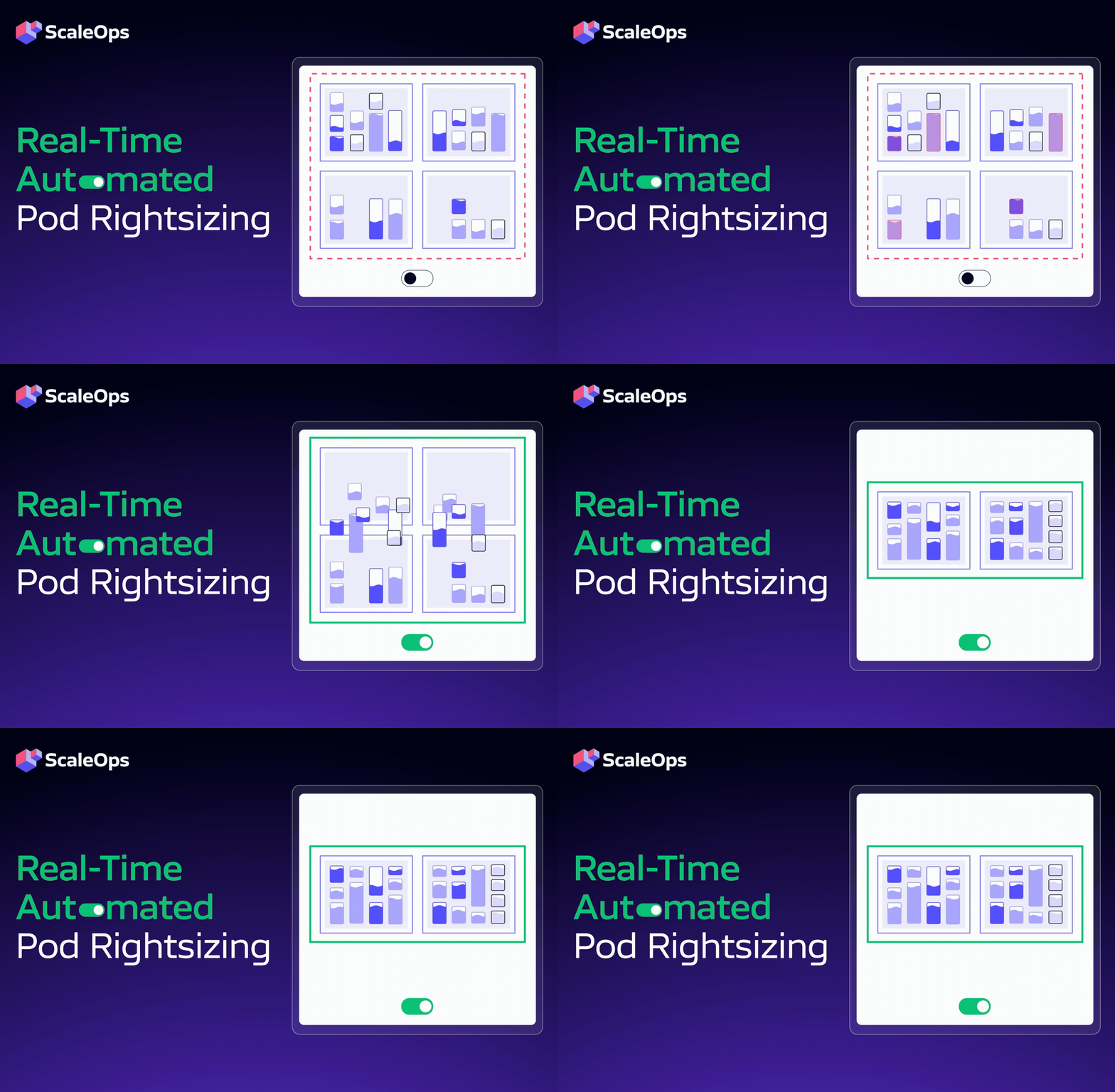
- Automated pod rightsizing automatically modifies CPU/memory requests and limits via real-time monitoring of workload activity and cluster status. This ensures workloads receive exactly the resources they need, when they need them, without performance penalties from over- or under-provisioning.
- Replica Optimization augments HPA and KEDA with workload-aware, cost-aware signals that native Kubernetes metrics can’t provide, keeping horizontal scaling aligned with real demand and SLOs.
- Node optimization for GKE delivers context-aware node management and ongoing consolidation that works alongside the native GKE Cluster Autoscaler. This eliminates underutilized capacity and ensures nodes match the real resource needs of running workloads.
- Safe spot adoption shifts workloads to spot instances without service interruptions. This way, cost-efficient capacity shifts never compromise application reliability or user experience.
ScaleOps understands whether a workload is a latency-sensitive API, a batch job, an ML pipeline, or something else. It then automatically applies the right optimization strategy—without you having to write custom rules—to lower spend and strengthen reliability.
The result? GKE clusters that continuously balance performance, reliability, and cost, instead of relying on one-off cost-cutting sprints.
If you’re running GKE at scale and want to experience fully automated workload optimization, book a demo with ScaleOps today.